
@Terry4, make certain that you download your writings.
What if one of your grandkids gets T1 and wants to read what you wrote about it one day?
How do I download a zipped achieve via this website?
Step 1.) Click on your profile picture
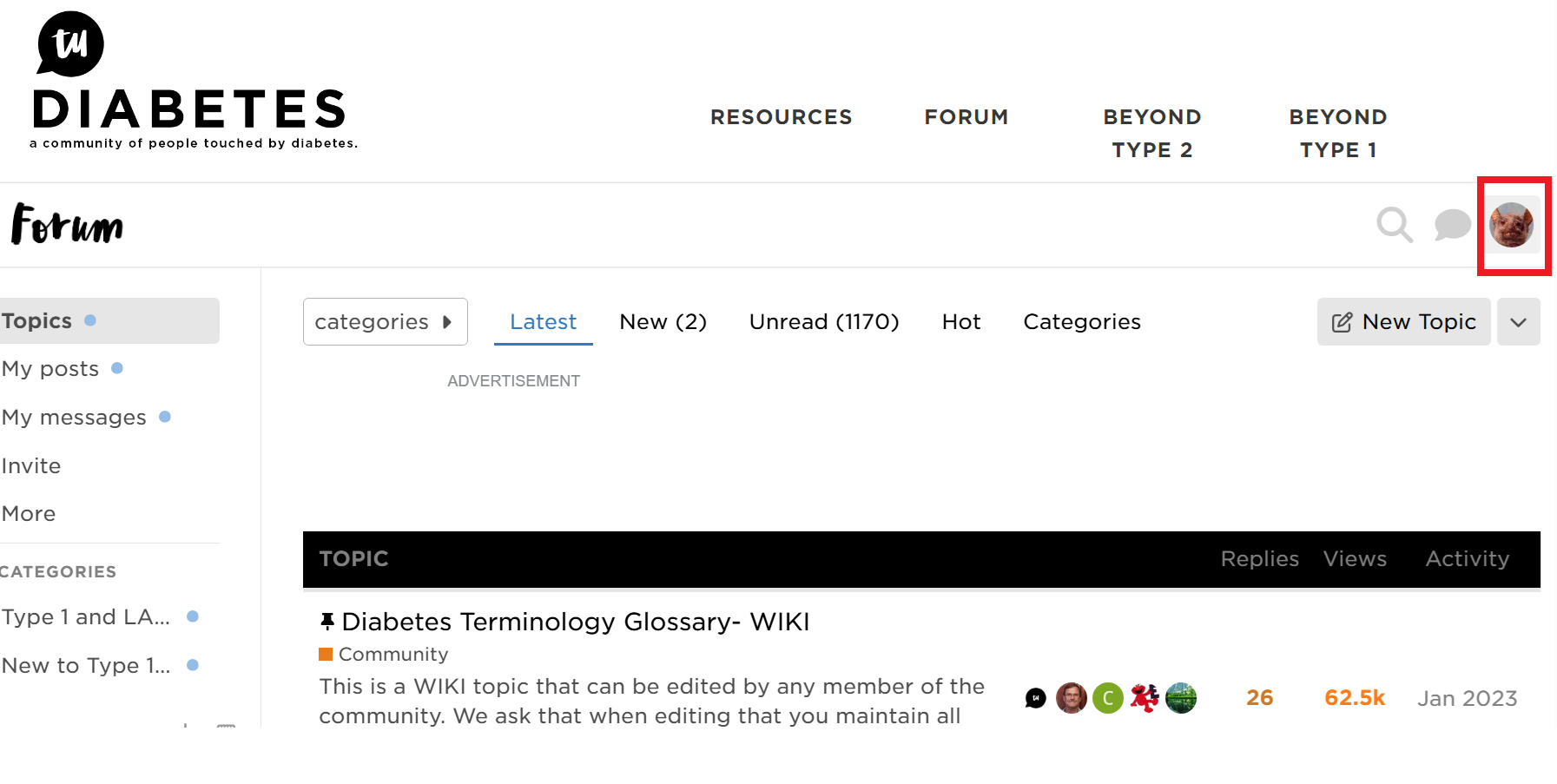
Step 2.) Click here to access your profile info

Step 3.) Click Preferences

Step 4.) Scroll down the page and click the button that reads "Request achieve

Step 5.) When the achieve is complete, you will receive a message in your inbox thru the website that looks like this.

Step 6.) Download that zipped folder to your downloads folder.
Step 7.) Open your downloads folder on your computer.

Step 8.) You will see a zipped folder that looks like this.
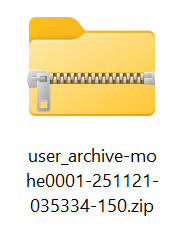
Step 9.) Make a new folder somewhere on your PC (To do that, right click on the Desktop and select New Folder and give it a name). I made my new folder inside my Documents folder, but you can just put it on your Desktop so it is easy to find.
I called my new folder TuDiabetes_Archieve.
Drag and drop that zipped folder from your Downloads folder into your new folder.

That zipped folder contains a compressed version of everything that you have ever written on Tu. It might be a very large file. They zip it to make it smaller and faster to download. As long as you complete the steps up to this point, you will have an achieve of your writings.
You will need to unzip the folder in order to look at anything inside that folder.
They ask that you use a program called 7-zip to do that. You can download it here: https://www.7-zip.org/
You want to make sure that zipped folder is inside another folder because when you unzip it, it is filled with tons of writings and files that will go everywhere. You want those contained inside a folder so they don’t spill out all over the place.